Progress updates
Share project milestones with a clear visual story.

'%3e%3cg%20transform='translate(15%2015)%20translate(6%208)%20rotate(7)%20translate(-15%20-15)'%20opacity='0.7'%3e%3crect%20x='0'%20y='0'%20width='30'%20height='30'%20rx='8'%20fill='%23635bff'/%3e%3c/g%3e%3cg%20transform='translate(15%2015)%20translate(3%204)%20rotate(4)%20translate(-15%20-15)'%20opacity='0.85'%3e%3crect%20x='0'%20y='0'%20width='30'%20height='30'%20rx='8'%20fill='%233372f0'/%3e%3c/g%3e%3cg%20opacity='1'%3e%3crect%20x='0'%20y='0'%20width='30'%20height='30'%20rx='8'%20fill='%2300a9e0'/%3e%3c/g%3e%3c/g%3e%3c/svg%3e)
Mitti × SiteSeam
Bring approved photo attachments from Mitti into SiteSeam. Show the progress, details, and finished work your team has already captured.
Mitti, formerly SafetyCulture. Connect with an API token on an eligible Premium or Enterprise plan.
Browse the Setup GuideStart with what you already have
Bring the images you already capture into SiteSeam. Here’s where the story begins.
Your images, already in Mitti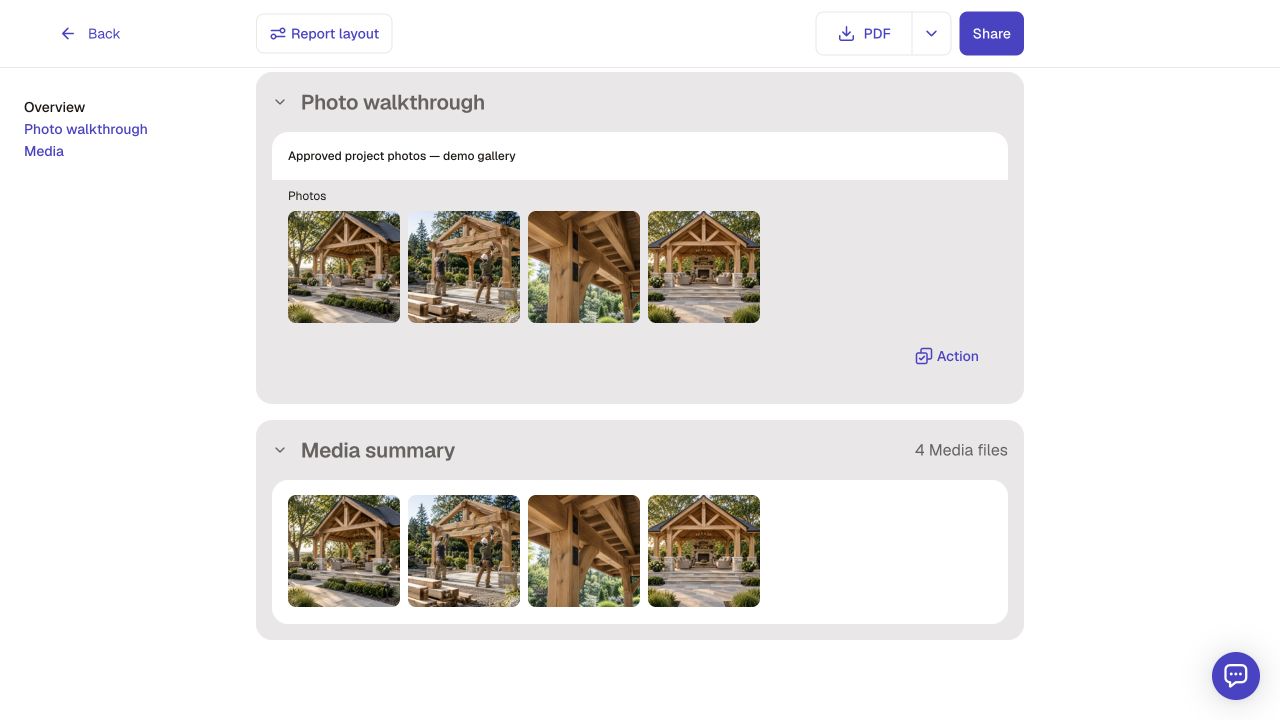
From Mitti to SiteSeam
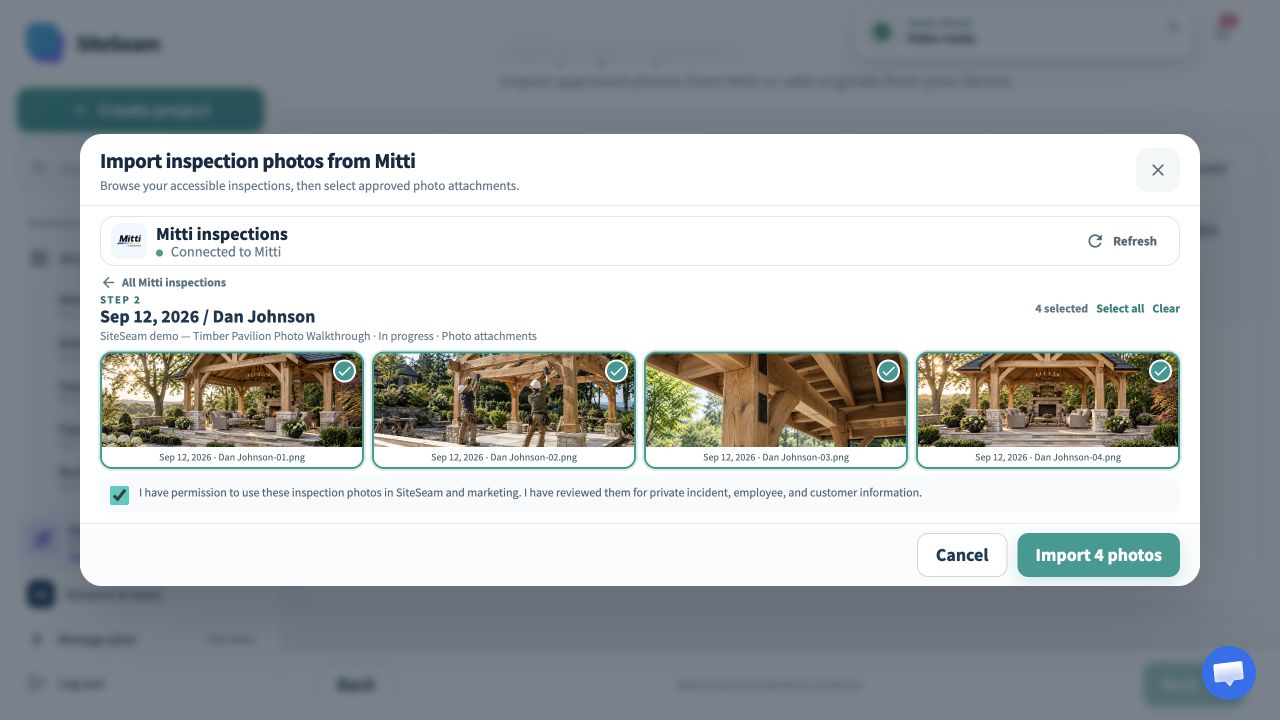
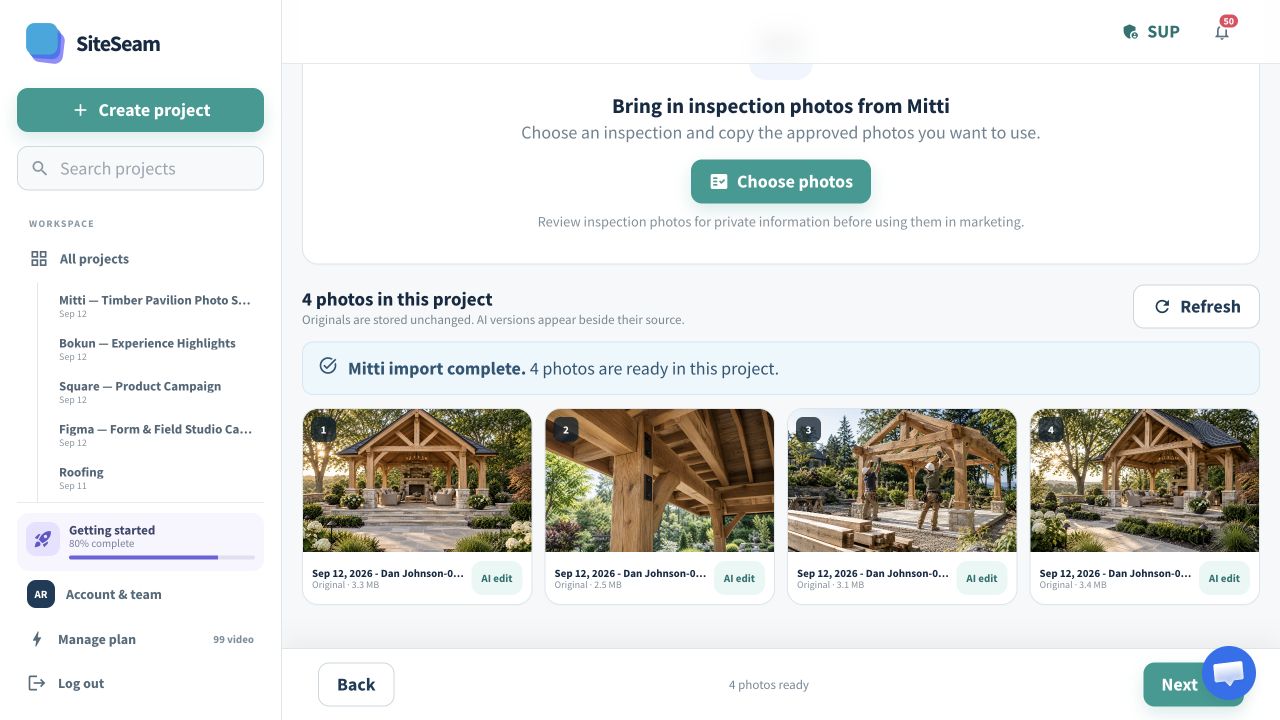
Select approved images from Mitti, then see them in your SiteSeam project, ready to create with.
Only selected photo attachments will be copied.
The selected inspection photos appear in the SiteSeam project gallery.
From inspection to project story
Connect your workspace, choose an inspection, and select the photos that are ready for a wider audience.
Browse the inspections available to your connected Mitti token.
Review photo attachments and select the details you want to feature.
Arrange your photos, add your message, and review the finished story.
For field teams and project businesses
Create useful updates from approved images your team already collects during its work.
Share project milestones with a clear visual story.
Bring attention to materials, finishing, and the care behind the work.
Turn approved completion photos into a portfolio Reel.
Keep your colors, message, and contact details together.
You stay in control
SiteSeam reads your accessible inspection records and copies only the photo attachments you select.
Start with one inspection
Connect your inspections and choose approved photos—or upload your own.