Milestone updates
Show meaningful progress with a focused sequence of approved images.

'%3e%3cg%20transform='translate(15%2015)%20translate(6%208)%20rotate(7)%20translate(-15%20-15)'%20opacity='0.7'%3e%3crect%20x='0'%20y='0'%20width='30'%20height='30'%20rx='8'%20fill='%23635bff'/%3e%3c/g%3e%3cg%20transform='translate(15%2015)%20translate(3%204)%20rotate(4)%20translate(-15%20-15)'%20opacity='0.85'%3e%3crect%20x='0'%20y='0'%20width='30'%20height='30'%20rx='8'%20fill='%233372f0'/%3e%3c/g%3e%3cg%20opacity='1'%3e%3crect%20x='0'%20y='0'%20width='30'%20height='30'%20rx='8'%20fill='%2300a9e0'/%3e%3c/g%3e%3c/g%3e%3c/svg%3e)
Procore × SiteSeam
Choose approved photos from an authorized Procore project, then create polished milestone updates, portfolio stories, and social Reels.
Browse the Setup GuideStart with what you already have
Bring the images you already capture into SiteSeam. Here’s where the story begins.
Your images, already in Procore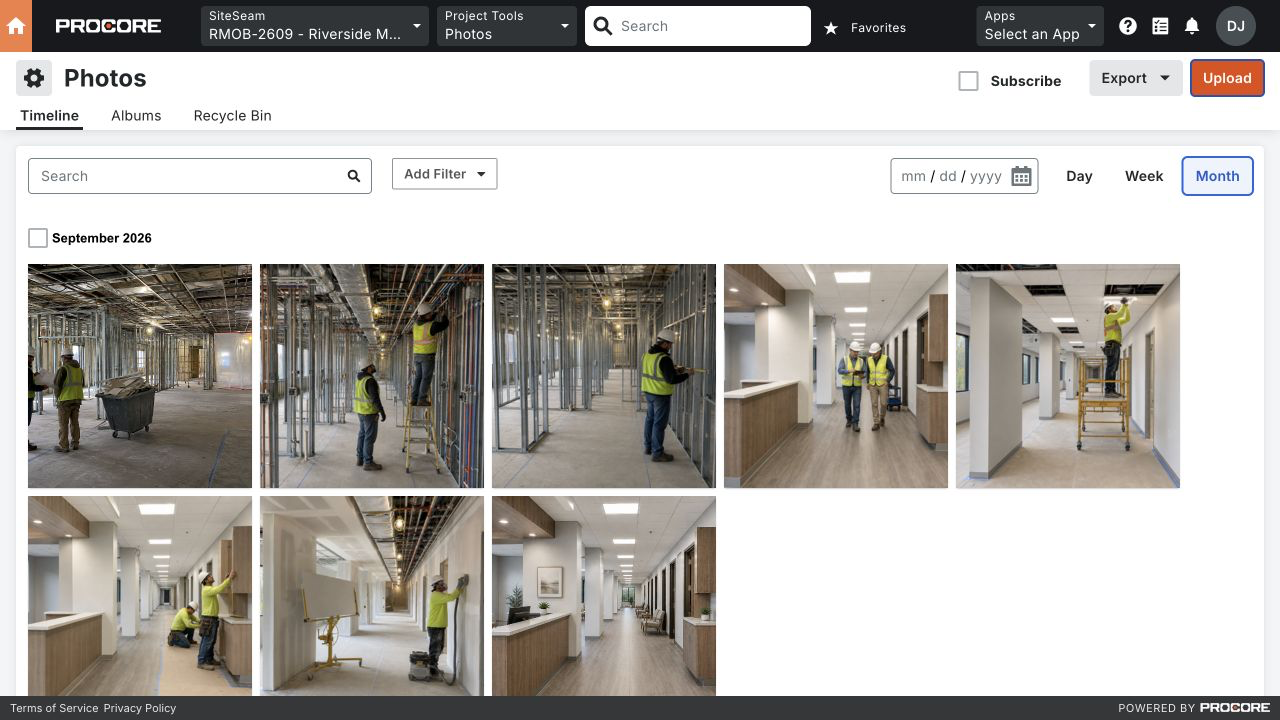
From Procore to SiteSeam
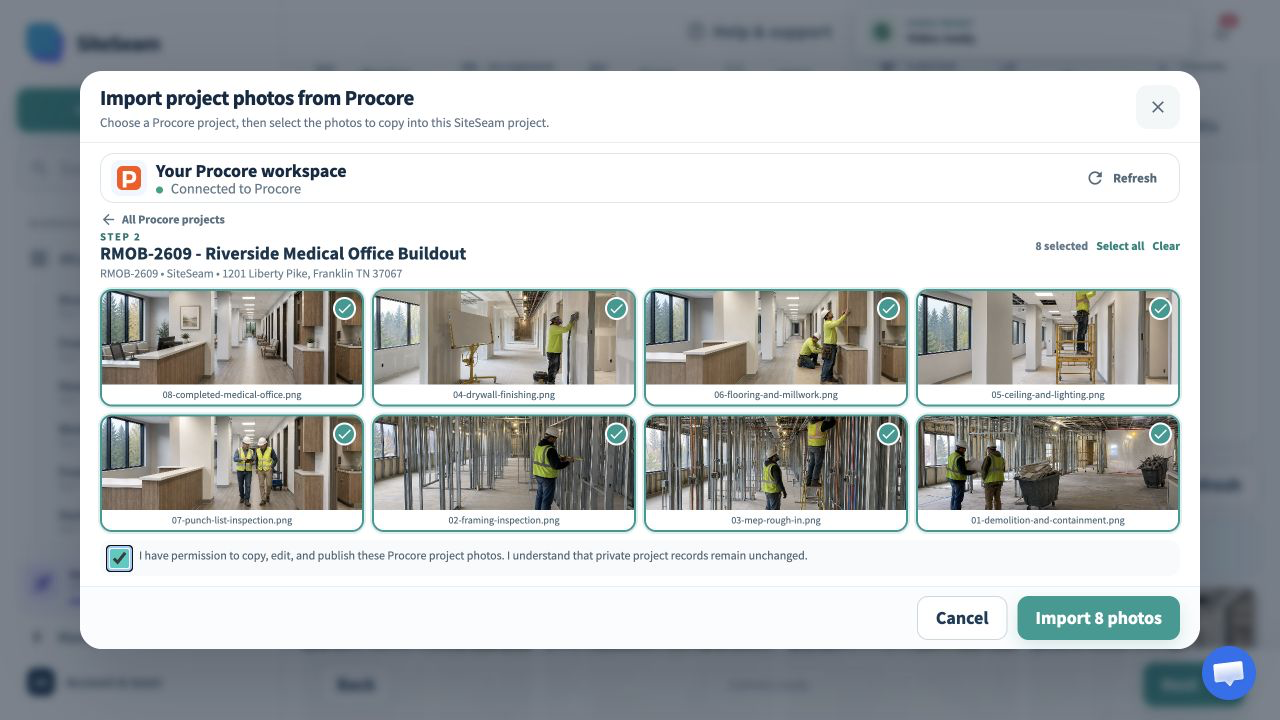
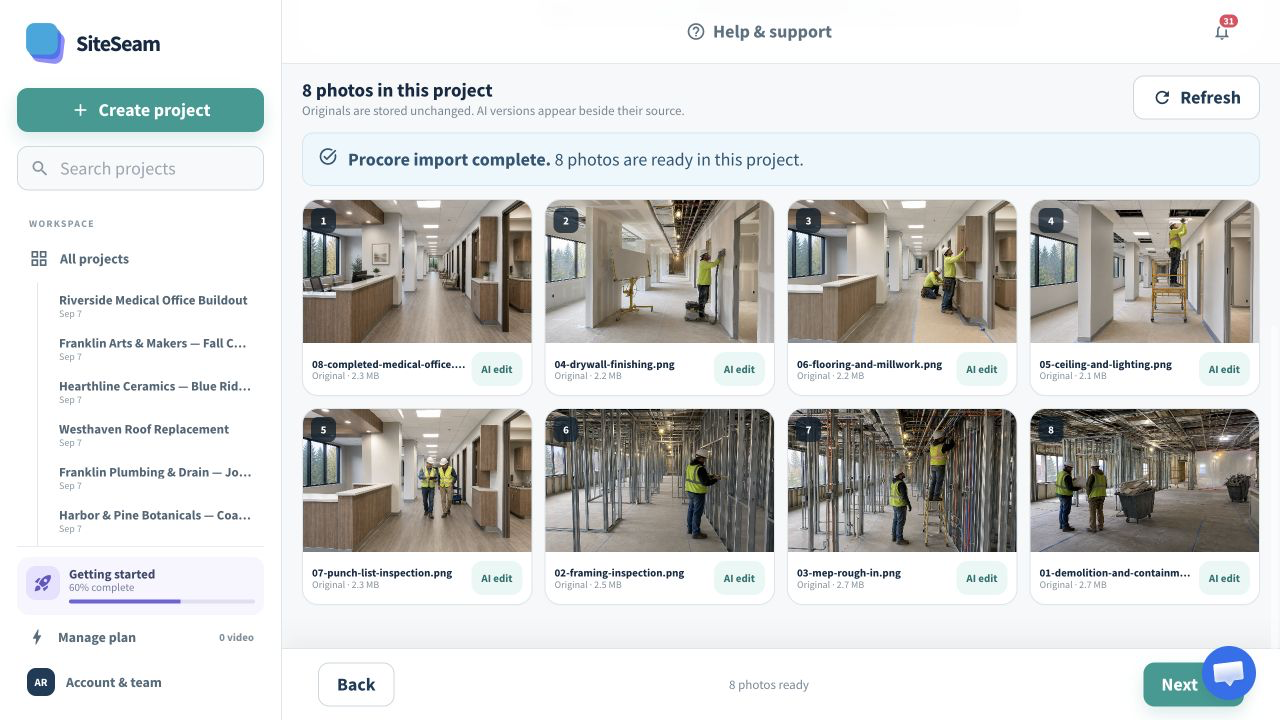
Select approved images from Procore, then see them in your SiteSeam project, ready to create with.
The approved Procore project photos are selected for import.
The selected project photos appear in the SiteSeam project gallery.
Project photos in. Progress story out.
Open an accessible project, choose the photos that explain a milestone, and keep all Procore records unchanged.
Open the Procore project that contains the milestone worth sharing.
Review albums and approve only the images cleared for business content.
Arrange the imported images into a clear, branded progress story.
Built for construction teams
Project photos can become useful milestone, stakeholder, recruiting, and portfolio content without duplicating the photo library.
Show meaningful progress with a focused sequence of approved images.
Explain coordination and craft across important construction stages.
Bring completion details together in a concise visual recap.
Reuse cleared project photography to show the work your teams deliver.
You stay in control
SiteSeam uses read access to browse projects and photo albums, then copies only the photos selected by your team.
Start with one project milestone
Connect your account and choose approved project photos—or upload your own approved photos.