Product launches
Create a focused reveal from the gallery customers already recognize.

'%3e%3cg%20transform='translate(15%2015)%20translate(6%208)%20rotate(7)%20translate(-15%20-15)'%20opacity='0.7'%3e%3crect%20x='0'%20y='0'%20width='30'%20height='30'%20rx='8'%20fill='%23635bff'/%3e%3c/g%3e%3cg%20transform='translate(15%2015)%20translate(3%204)%20rotate(4)%20translate(-15%20-15)'%20opacity='0.85'%3e%3crect%20x='0'%20y='0'%20width='30'%20height='30'%20rx='8'%20fill='%233372f0'/%3e%3c/g%3e%3cg%20opacity='1'%3e%3crect%20x='0'%20y='0'%20width='30'%20height='30'%20rx='8'%20fill='%2300a9e0'/%3e%3c/g%3e%3c/g%3e%3c/svg%3e)
Square × SiteSeam
Choose images from a product gallery in your authorized Square store, then turn them into polished launches, detail stories, and social Reels.
Browse the Setup GuideFrom Square to SiteSeam
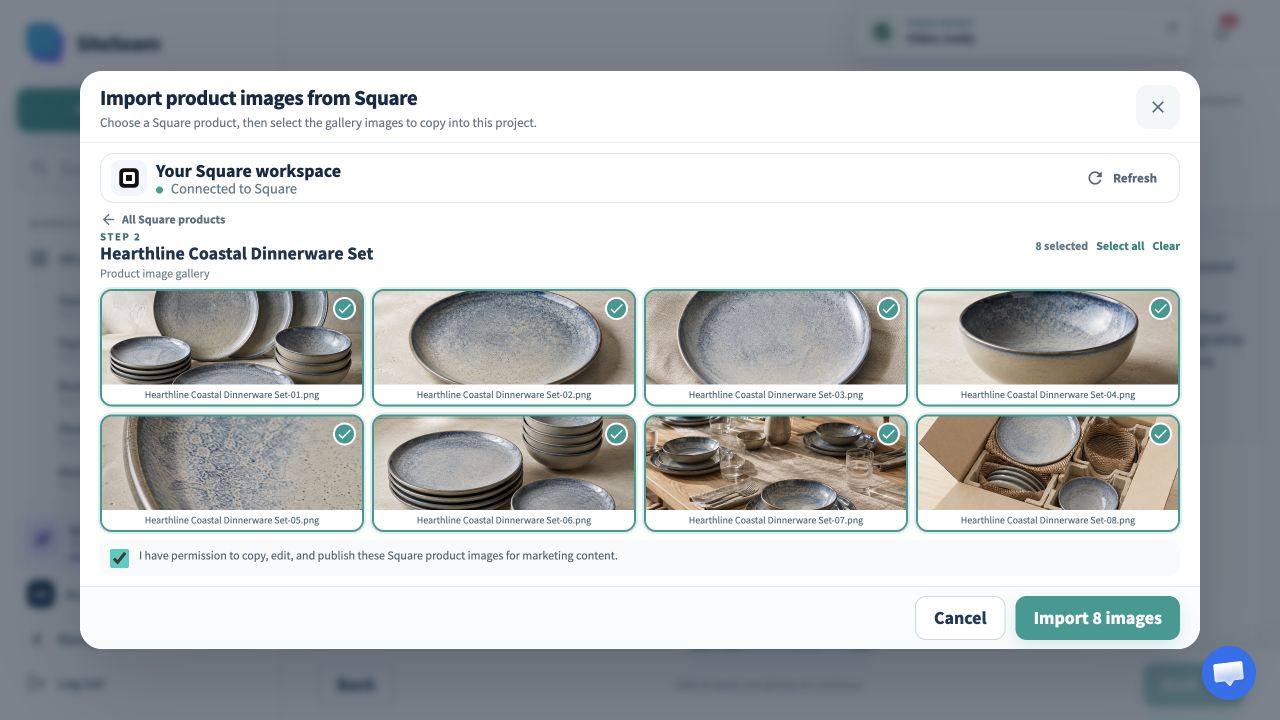
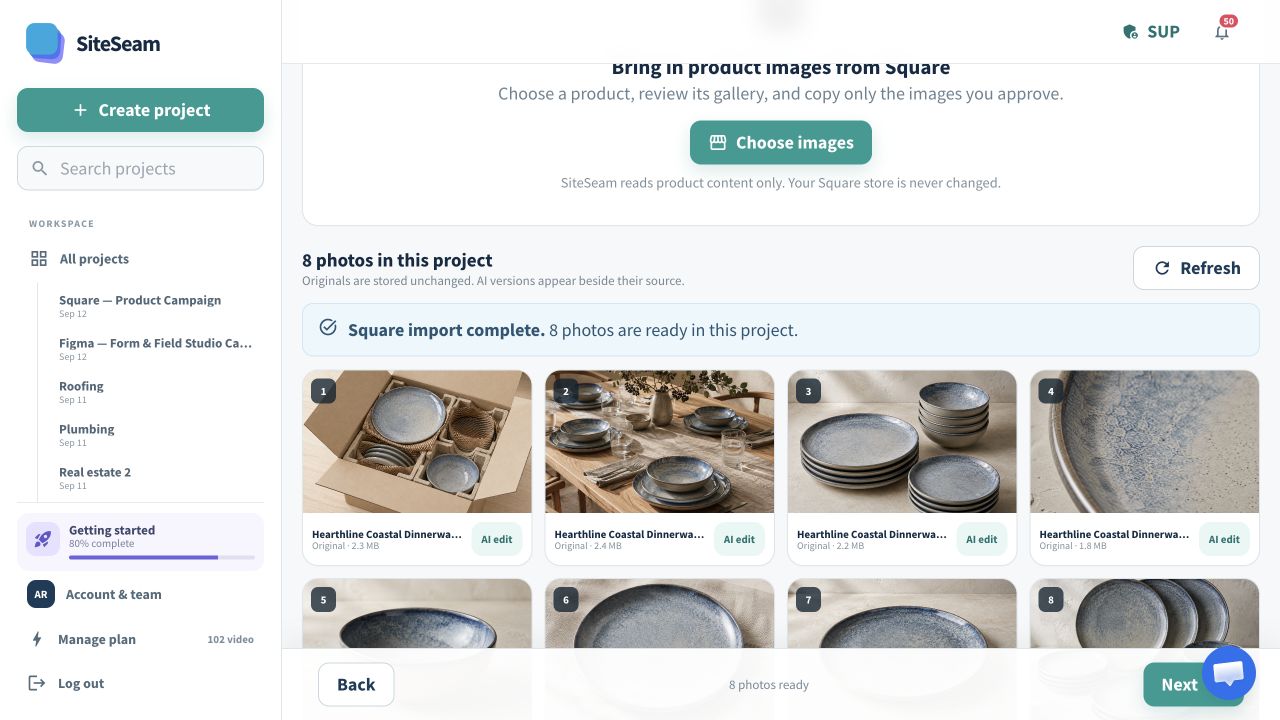
Select approved images from Square, then see them in your SiteSeam project, ready to create with.
The approved product images are selected for import.
The selected product images appear in the SiteSeam project gallery.
Store gallery in. Campaign out.
Browse products from your authorized Square account, choose the images that fit the story, and leave the commerce catalog untouched.
Open the product whose gallery is ready for a new campaign.
Review image order and approve the visuals you may publish.
Build a branded product Reel from the imported originals.
Built for independent commerce
A strong gallery can support a launch, a detail-led story, and ongoing social content without recreating the photo set.
Create a focused reveal from the gallery customers already recognize.
Use close-ups to communicate finish, texture, and craftsmanship.
Give related products a consistent visual rhythm across social channels.
Turn existing store assets into timely content for the next campaign.
You stay in control
Only the merchant, product, and image details required for browsing are used, and only selected images are copied.
Start with one product
Connect your store and choose a product gallery—or upload your own approved photos.