A specific post opens a generic homepage
The visitor has to hunt for the service, offer, and next step, which breaks the confidence created by the original content.
Campaign landing pages
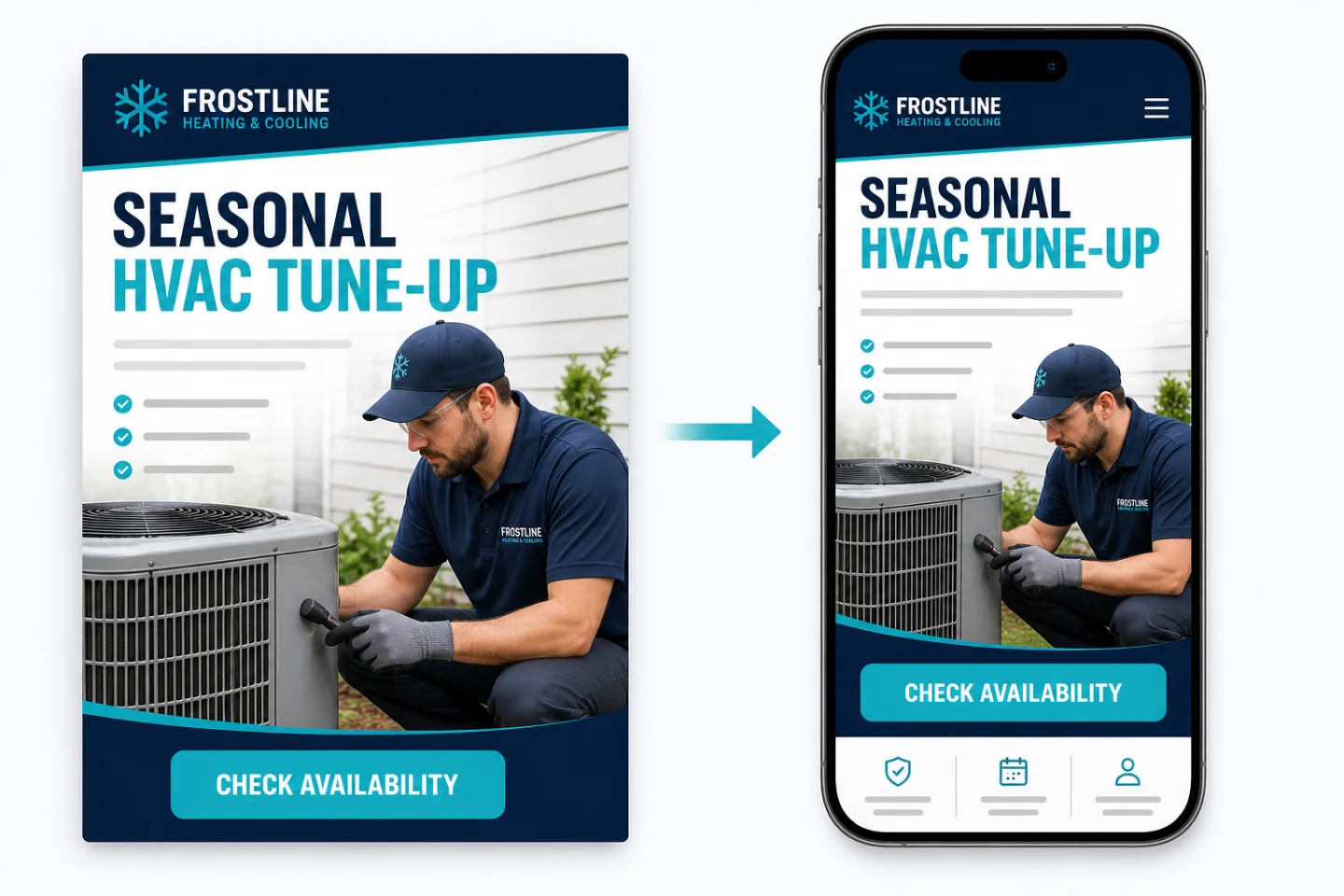
SiteSeam creates matching service and campaign pages so the message after the click feels like a continuation—not a generic homepage detour.
Start for Free, No Credit Card, No Sign Up Needed
Scheduled
3 posts + 1 Reel
Next step
One focused call to action makes the next step obvious.
Keep the message intact
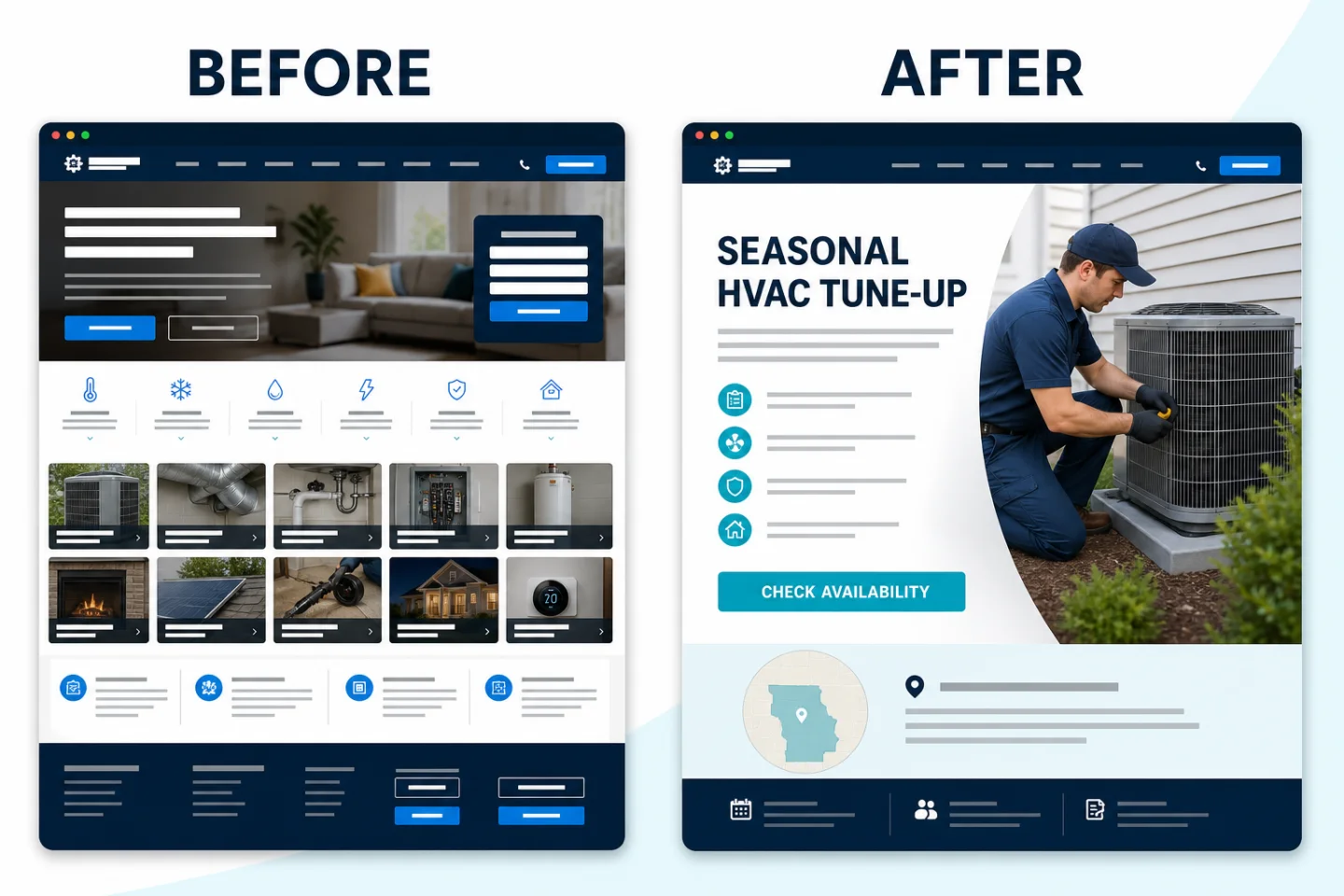
A specific post opens a generic homepage
The visitor has to hunt for the service, offer, and next step, which breaks the confidence created by the original content.
The landing page continues the same story
The headline, service, visual direction, and call to action match the post and guide the visitor to one appropriate action.
Continuity converts attention
A landing page can expand the social message with context, accurate proof, and the information a colder visitor needs before acting.
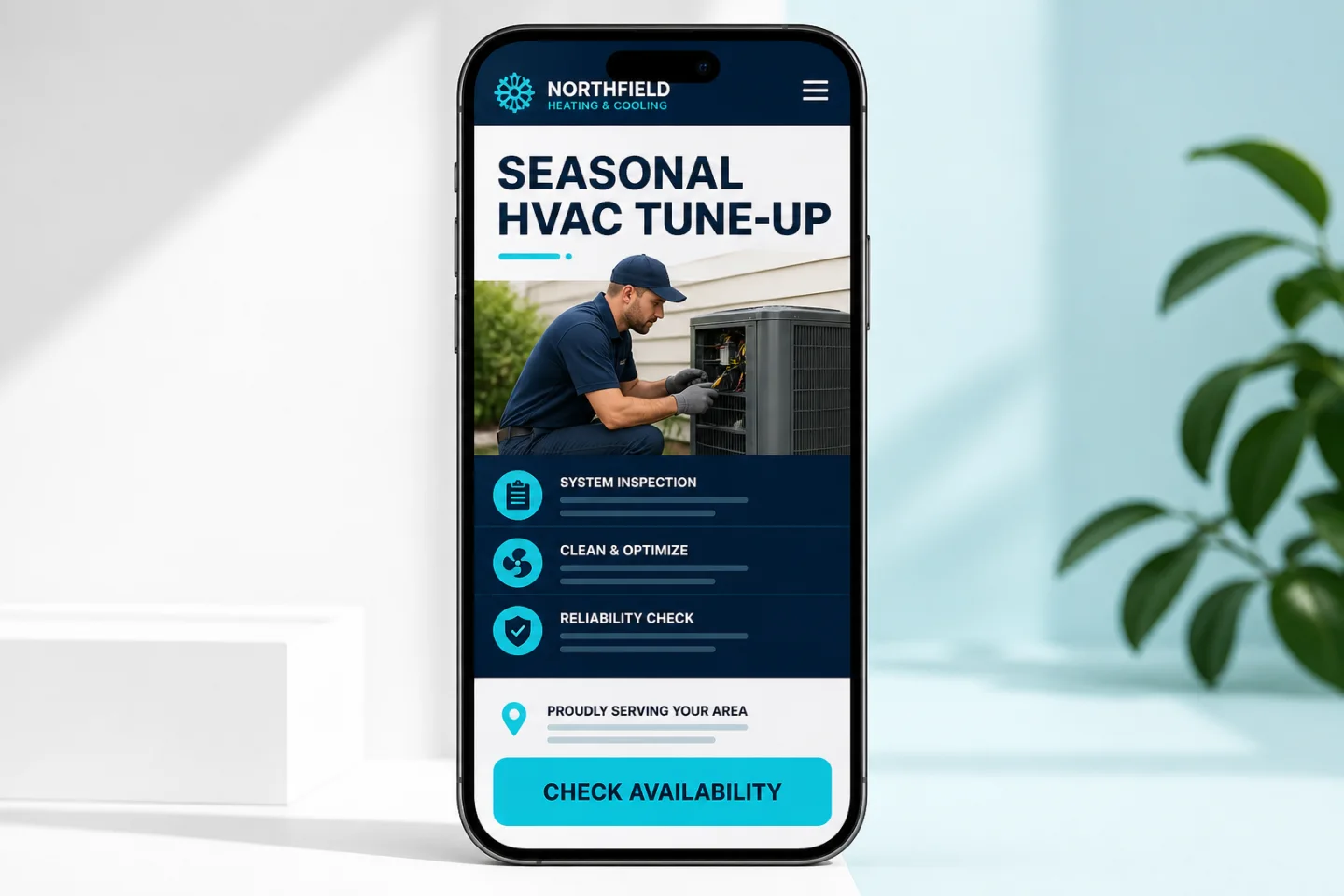
Carry the same service, audience, headline direction, and visual cues onto the page.
Explain what the service includes, where it is available, and what happens after the request.
Use a call, contact, booking, instant quote, or estimate request based on the visitor’s intent.
From attention to action
The same campaign direction can shape the post, Reel, caption, and page so visitors never wonder whether they landed in the right place.
Social post → matching page → Check availability
How it works
Keep the conversion step aligned from the first draft.
01
Start with one service, audience, or timely offer and its intended customer action.
02
Use the same message to create the social content and focused landing-page preview.
03
Connect the page form, booking, quote, or call action to the team’s actual follow-up process.
Use the right conversion path
Not every campaign should end on the same generic form.
Use mobile-friendly call actions and clear service-area or availability context.
Collect the useful details needed for an estimate without turning the page into a long questionnaire.
Offer booking or appointment requests with accurate expectations and next steps.
Your next two weeks can start here