Close CRM integration
Close + SiteSeam: every lead lands in Close.
Connect SiteSeam to Close to log form fills, bookings, and instant quote requests as timeline activity. Your reps stay in Close while SiteSeam handles capture across every page.
Auto-log
Every lead action
Create leads
When contacts are new
2 Minute
setup time
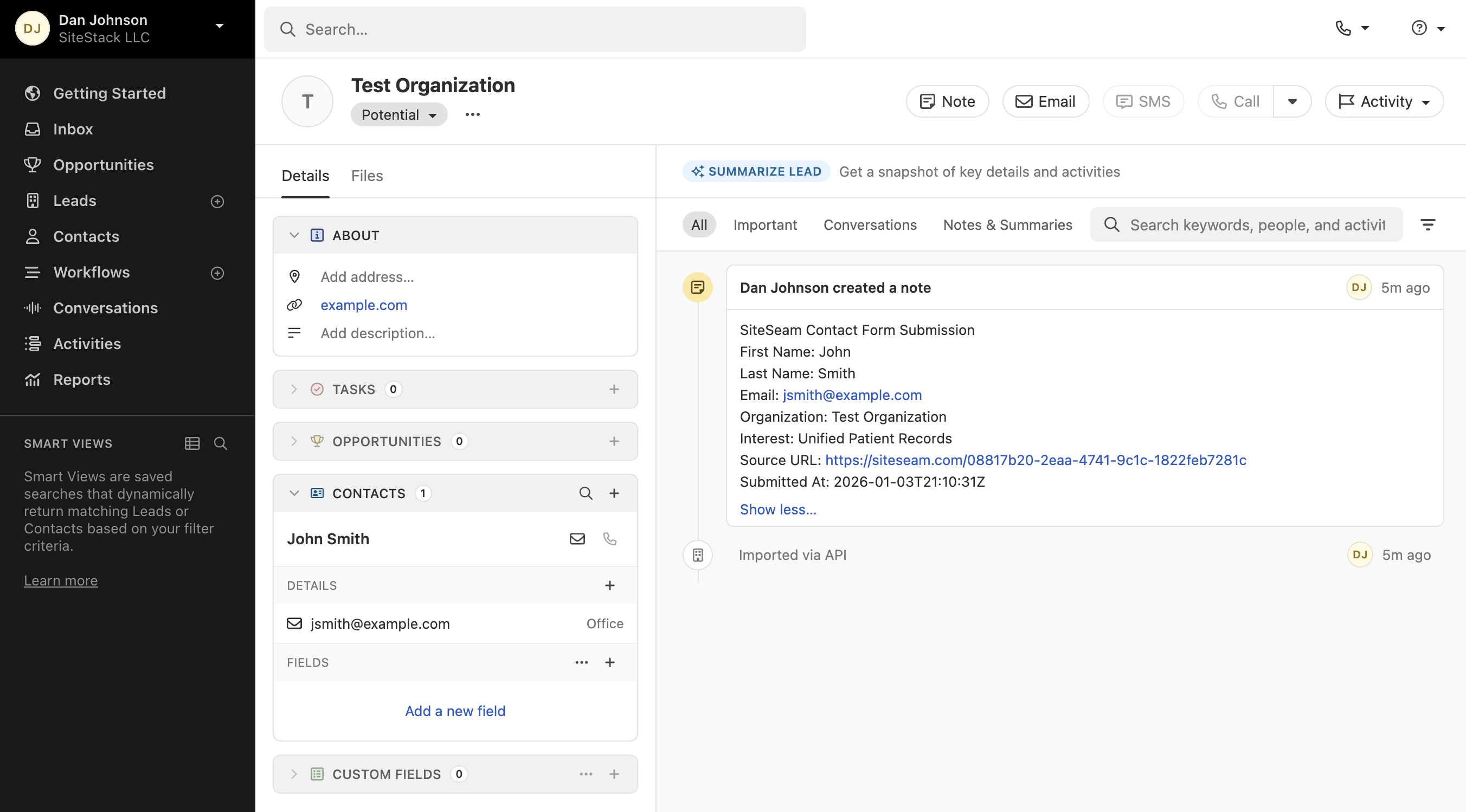
Pipeline sync
Every high-intent action becomes a Close activity
SiteSeam watches for the moments that matter. Contact forms, bookings, and instant quotes are logged with context so your team can follow up without guessing.
- -New leads are created when the email is not already in Close.
- -Timeline notes include page, form, and booking details.
- -Duplicate checks keep your Close account clean and organized.
Stop copy-pasting into Close
Let SiteSeam handle the CRM updates so your team can focus on follow-up.
| Workflow | Manual update | SiteSeam + Close |
|---|---|---|
| New lead created on submission | Manual | |
| Booking details and time logged | Manual | |
| Instant quote details captured | Manual | |
| Timeline note with page context | Manual | |
| Duplicate checks before creating | Manual | |
| Visible to reps immediately | Manual | |
| Connect Close |
Lead capture
Capture the lead, then verify the sync
Publish a widget, submit a test lead, and watch the activity appear in Close.
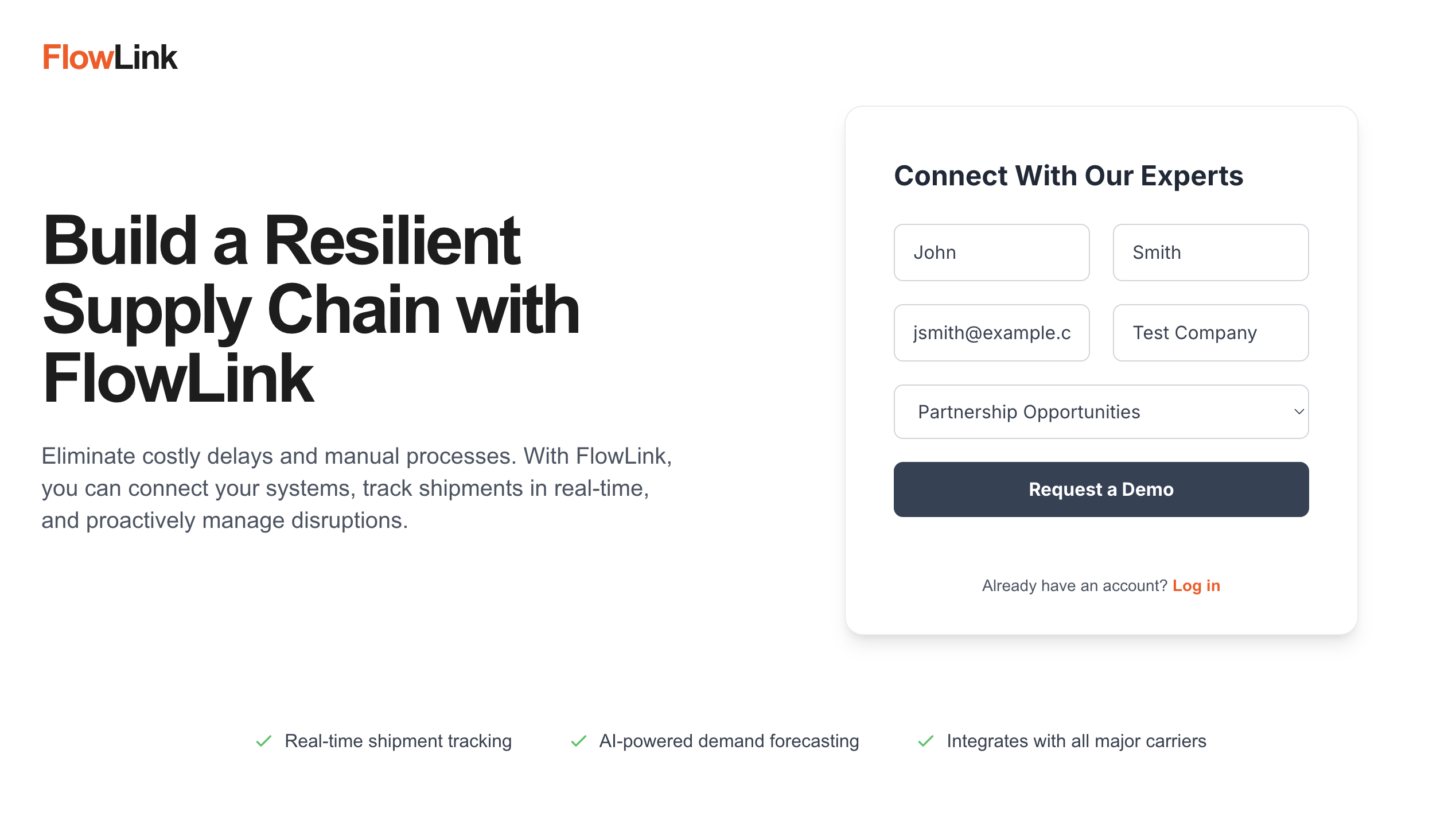
Add a lead widget
Drop a contact form, subscribe form, or instant quote onto your site.
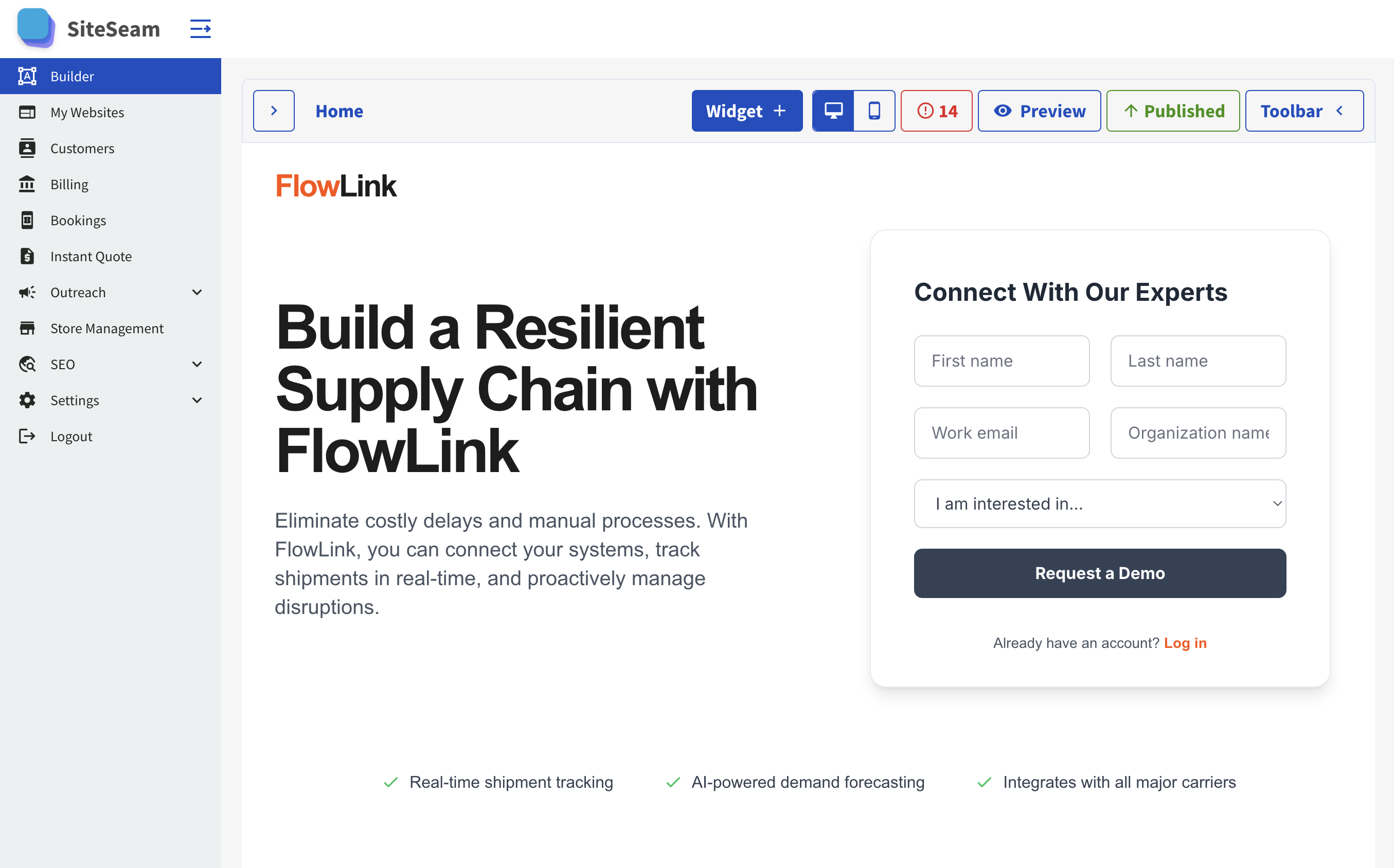
Submit a test lead
Fill out the form so SiteSeam can log the activity.
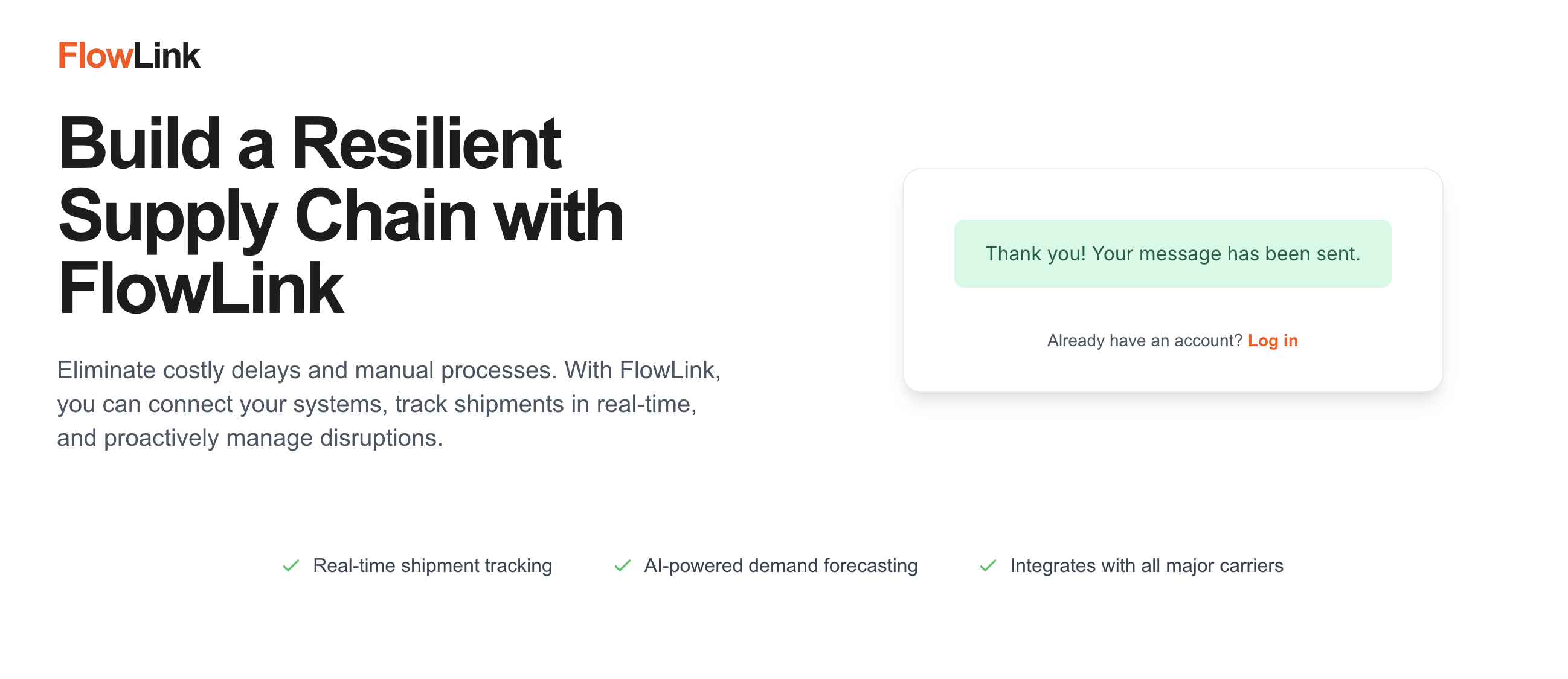
Verify the success message
Confirm the form submission, then check Close for the activity.
Data integrity
Clean, reliable Close activity
SiteSeam keeps the data flowing without noisy duplicates or missing context.
Accurate lead matching
- Checks for existing contacts before creating a new lead.
- Logs the source page so reps understand the intent.
- Keeps your CRM tidy even when the same buyer submits twice.
Visibility for every team
- Timeline notes show the exact widget or offer that converted.
- Sales and ops can see updates in Close immediately.
- Disconnect or reconnect any time from SiteSeam settings.
Use cases
Built for teams that live in Close
Sales, marketing, and operations can track the same lead events without extra tools or tab switching.
Sales teams
- See every form fill and booking in Close within minutes.
- Follow up with context about services or pricing requests.
- Stay focused on deals instead of manual CRM entry.
Marketing teams
- Track which pages and offers drive the best Close activity.
- Launch new landing pages without breaking CRM workflows.
- Sync lead sources without spreadsheets or exports.
Service operators
- Log bookings, quotes, and inquiries from every service page.
- Send reps the right details while they are on the move.
- Keep Close updated without hiring extra admin help.
Integrations
Connect every tool in your workflow
Close is just the start. SiteSeam works with the tools your team already runs on.

Create tasks from SiteSeam lead activity.

Create pages in Notion databases to keep work organized.
'%3e%3cpath%20d='M9.09091%20100H30.303V48.4848L0%2025.7576V90.9091C0%2095.9394%204.07576%20100%209.09091%20100Z'%20fill='%234285F4'/%3e%3cpath%20d='M103.03%20100H124.242C129.273%20100%20133.333%2095.9242%20133.333%2090.9091V25.7576L103.03%2048.4848'%20fill='%2334A853'/%3e%3cpath%20d='M103.03%209.09091V48.4848L133.333%2025.7576V13.6364C133.333%202.39394%20120.5%20-4.01515%20111.515%202.72727'%20fill='%23FBBC04'/%3e%3cpath%20d='M30.303%2048.4848V9.09091L66.6667%2036.3636L103.03%209.09091V48.4848L66.6667%2075.7576'%20fill='%23EA4335'/%3e%3cpath%20d='M0%2013.6364V25.7576L30.303%2048.4848V9.09091L21.8182%202.72727C12.8182%20-4.01515%200%202.39394%200%2013.6364'%20fill='%23C5221F'/%3e%3c/g%3e%3cdefs%3e%3cclipPath%20id='clip0_1:194'%3e%3crect%20width='133.333'%20height='100'%20fill='white'/%3e%3c/clipPath%3e%3c/defs%3e%3c/svg%3e)
Send outreach and replies directly from team inboxes.

Sync contacts and lifecycle updates with HubSpot.

Sync contacts and opportunities from HighLevel to keep pipeline activity aligned.
'/%3e%3cpath%20fill-rule='evenodd'%20clip-rule='evenodd'%20d='M32.4953%2017.1804C32.2202%2016.9368%2031.8067%2016.9367%2031.5314%2017.1801L15.663%2031.2116C15.0564%2031.748%2014.1285%2031.6857%2013.599%2031.0731L7.40986%2023.9122C6.88774%2023.3082%206.95019%2022.3961%207.54979%2021.8688L31.0527%201.20062C31.6021%200.717503%2032.4248%200.717611%2032.9741%201.20088L56.4822%2021.8847C57.0822%2022.4125%2057.1439%2023.3256%2056.6205%2023.9294L50.4164%2031.0866C49.8862%2031.6982%2048.9589%2031.7594%2048.353%2031.2229L32.4953%2017.1804Z'%20fill='url(%23paint1_linear_8_569)'/%3e%3cdefs%3e%3clinearGradient%20id='paint0_linear_8_569'%20x1='5.3335'%20y1='32.1624'%20x2='58.6653'%20y2='32.1624'%20gradientUnits='userSpaceOnUse'%3e%3cstop%20offset='0.225962'%20stop-color='%236647F0'/%3e%3cstop%20offset='0.793269'%20stop-color='%230091FF'/%3e%3c/linearGradient%3e%3clinearGradient%20id='paint1_linear_8_569'%20x1='5.3335'%20y1='31.6447'%20x2='58.6653'%20y2='31.6447'%20gradientUnits='userSpaceOnUse'%3e%3cstop%20stop-color='%23FF02F0'/%3e%3cstop%20offset='0.778846'%20stop-color='%23F76808'/%3e%3c/linearGradient%3e%3c/defs%3e%3c/svg%3e)
Create tasks from SiteSeam lead activity.
%20--%3e%3csvg%20version='1.1'%20id='Layer_1'%20xmlns='http://www.w3.org/2000/svg'%20xmlns:xlink='http://www.w3.org/1999/xlink'%20x='0px'%20y='0px'%20viewBox='0%200%2097%20119'%20style='enable-background:new%200%200%2097%20119;'%20xml:space='preserve'%3e%3cstyle%20type='text/css'%3e%20.st0{fill:%23041C4E;}%20.st1{display:none;}%20%3c/style%3e%3cg%3e%3cg%3e%3cpath%20class='st0'%20d='M18.2,48.5c0,0,5.1-7.2,11.9-7.4c10.5-0.2,19,18.7,20.3,21.4C62,36.6,81.1,14.6,96.7,0H1.1%20c0,9,0.1,99.7,0.1,107.1c0,5.9-0.8,10.1-1.2,11.9c4.2-0.7,20.3-3.4,36.7-9.3c29-10.4,40.4-21.6,40.5-21.7l0.7-0.7l0.4,0.9%20c0,0.1,3.6,8.1,7.2,12.3c4,4.7,6.3,5.3,7.5,4.9c1.6-0.5,2.7-3.1,3.2-7.6c0.4-4.3,0.8-14.1,0.8-25.9c0-21.4,0-49.6,0-63.8%20C68.8,42.7,48.1,94.5,48.1,94.5S34.5,48.2,18.2,48.5z'/%3e%3c/g%3e%3c/g%3e%3cg%20id='social_landscape'%20class='st1'%3e%3c/g%3e%3cg%20id='guides'%20class='st1'%3e%3c/g%3e%3c/svg%3e)
Send form activity into Smartsheet and keep submissions organized.

Keep Monday boards aligned with new leads.

Send pipeline updates to Pipedrive automatically.

Sync leads and activity into Zoho CRM.

Keep account activity in Salesforce up to date.

Send lead activity into Attio workspaces.

Log SiteSeam submissions and bookings in Close.

Sync Keap contacts and lead activity.

Keep ActiveCampaign in sync with new leads.

Trigger workflows with SiteSeam webhook events.
%20scale(0.706%201)'%20gradientUnits='objectBoundingBox'%3e%3cstop%20offset='0.2'%20stop-color='%23f024f6'/%3e%3cstop%20offset='0.386'%20stop-color='%23c416f8'/%3e%3cstop%20offset='0.61'%20stop-color='%239406f9'/%3e%3cstop%20offset='0.722'%20stop-color='%238200fa'/%3e%3c/radialGradient%3e%3cclipPath%20id='clip-Make-Icon-Circle-Color-transparent'%3e%3crect%20width='512'%20height='512'/%3e%3c/clipPath%3e%3c/defs%3e%3cg%20id='Make-Icon-Circle-Color-transparent'%20clip-path='url(%23clip-Make-Icon-Circle-Color-transparent)'%3e%3ccircle%20id='Ellipse_5682'%20data-name='Ellipse%205682'%20cx='256'%20cy='256'%20r='256'%20fill='%23fff'/%3e%3cg%20id='Logo_Dominos'%20data-name='Logo%20Dominos'%20transform='translate(90%20150)'%3e%3cpath%20id='Path_203368'%20data-name='Path%20203368'%20d='M1517.861,1588.687l43.727-185.587a6.7,6.7,0,0,1,8.083-5.038l52.083,12.71A6.832,6.832,0,0,1,1626.7,1419l-43.727,185.587a6.7,6.7,0,0,1-8.083,5.038l-52.083-12.71A6.854,6.854,0,0,1,1517.861,1588.687Zm122.055,19.758H1693.5a6.756,6.756,0,0,0,6.7-6.817V1410.772a6.756,6.756,0,0,0-6.7-6.818h-53.581a6.756,6.756,0,0,0-6.7,6.818v190.856A6.756,6.756,0,0,0,1639.917,1608.446Zm-232.191-27.176,48.155,23.917a6.632,6.632,0,0,0,8.946-3.143l82.233-171.514a6.859,6.859,0,0,0-3.088-9.1l-48.155-23.918a6.632,6.632,0,0,0-8.945,3.142l-82.21,171.491A6.877,6.877,0,0,0,1407.725,1581.27Z'%20transform='translate(-1403.973%20-1396.819)'%20fill='url(%23radial-gradient)'/%3e%3c/g%3e%3c/g%3e%3c/svg%3e)
Send lead events to Make scenarios.